Top 10 Tools for Converting WebP to PNG Effortlessly
Have you ever found yourself struggling to convert WebP and PNG images, but the process seems daunting and time-consuming? Imagine needing quick access to high-quality images for your website or project, only to be met with incompatible file formats. The frustration is real, but worry not - help is on the way!
This article will introduce you to the top 10 tools for converting WebP to PNG effortlessly. Whether you’re a graphic designer, web developer, or simply someone in need of image conversion solutions, this comprehensive list of online and software-based tools will simplify your workflow and ensure seamless compatibility between WebP and PNG formats. Say goodbye to compatibility issues and hello to a more efficient image conversion process!
What is WebP and PNG
WebP and PNG are two popular image file formats used on the internet for storing and displaying images.
WebP
WebP is a modern image format developed by Google that provides superior compression and quality compared to formats like JPEG and PNG. It supports both lossy and lossless compression, making it ideal for reducing file sizes without sacrificing image quality. WebP files are typically smaller in size, making them great for web optimization and faster loading times on websites.
PNG
PNG, on the other hand, stands for Portable Network Graphics and is a widely used raster graphics file format. PNG files support lossless compression, meaning that image quality is not compromised when the file size is reduced. They are commonly used for transparent images, logos, and graphics that require high image quality without compression artifacts.
Using Case
WebP is often used for web images, thumbnails, and photos that need to be displayed quickly and efficiently, while PNG is preferred for images requiring transparency and crisp quality, such as logos and graphics with sharp edges.
Overall, both WebP and PNG have their strengths and are commonly used formats for images on the web, each serving different purposes depending on the specific requirements of the image being displayed.
Why Convert Image Formats from WebP to PNG
Converting image formats from WebP to PNG can be a beneficial step for various reasons.
Compatibility: PNG is widely supported by all web browsers and graphic editing software, making it a more versatile format for sharing and editing images across different platforms. By converting WebP images to PNG, you ensure that your images are accessible to a larger audience.
Quality Preservation: While WebP is known for its high compression abilities, converting images to PNG can help preserve the quality of the original image. PNG is a lossless format, meaning that no image data is lost during compression, resulting in sharper and more detailed images.
Editing Flexibility: PNG images support transparency and multiple layers, making them ideal for editing purposes. Converting WebP images to PNG allows for more editing flexibility, enabling you to make changes to the image without sacrificing quality.
By utilizing online tools or software like Adobe Photoshop, GIMP, or XnConvert to convert WebP images to PNG, you can ensure better compatibility, quality preservation, and editing flexibility for your images. Consider converting your images to PNG for a more seamless and optimized image viewing experience.
Related read: How to Convert MOV to MP4 (Online & Desktop)
Top 10 WebP to PNG Converters
Ezgif Online WebP to PNG Converter
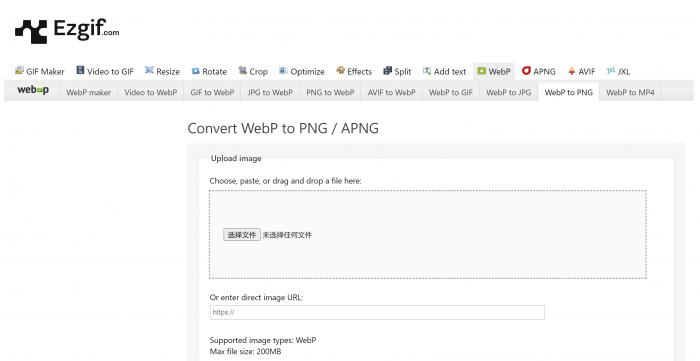
Ezgif Online WebP to PNG Converter is a user-friendly tool that allows you to easily convert WebP images to PNG format. With this online converter, you can quickly convert WebP to PNG online without the need to download any software. Additionally, Ezgif Online WebP to PNG Converter supports batch conversion, making it a convenient choice for those looking to convert multiple images at once. Best of all, this tool is completely free to use, making it an accessible option for anyone in need of a WebP to PNG converter.
Canva Free WebP to PNG Converter
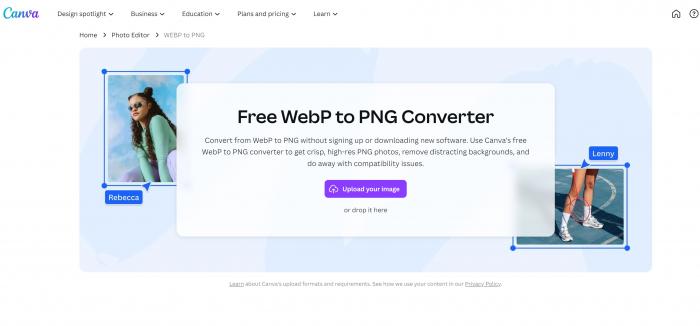
Canva Free WebP to PNG Converter is a versatile tool that offers a range of design features, including the ability to convert WebP images to PNG format. This online converter is perfect for users looking to convert WebP to PNG online without any hassle. With Canva Free WebP to PNG Converter, you can easily batch convert WebP to PNG images, saving you time and effort. Plus, this tool is completely free to use, making it a cost-effective solution for all your image conversion needs.
Convertio WEBP to PNG Converter
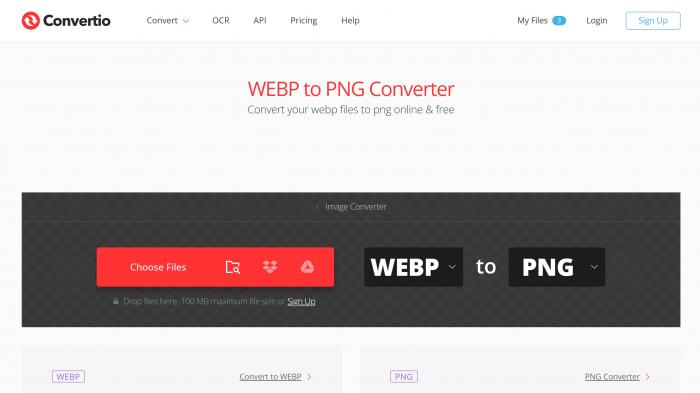
Convertio WEBP to PNG Converter is a reliable tool that allows you to convert WebP images to PNG format with ease. This online converter is perfect for those looking to quickly and efficiently convert WebP to PNG online. Convertio WEBP to PNG Converter supports batch conversion, making it a convenient option for users with multiple images to convert. Additionally, this tool is free to use, making it a budget-friendly choice for all your image conversion needs. If you’re in search of a simple and effective WebP to PNG converter, Convertio WEBP to PNG Converter is the perfect solution.
CloudConvert WEBP to PNG Converter
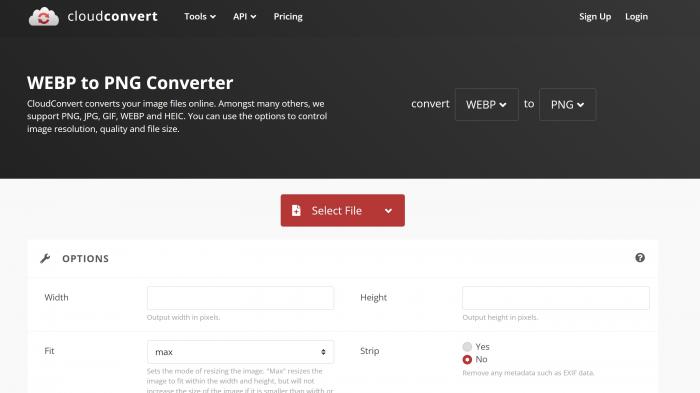
CloudConvert WEBP to PNG Converter is an exceptional tool that provides a smooth transition to convert WebP to PNG. This WebP to PNG converter supports batch conversions, providing a hassle-free experience for users who need to convert multiple images simultaneously. It is also fast in its delivery, meaning you won’t have to wait too long for your conversion to finish.
Pixelied WEBP to PNG Converter
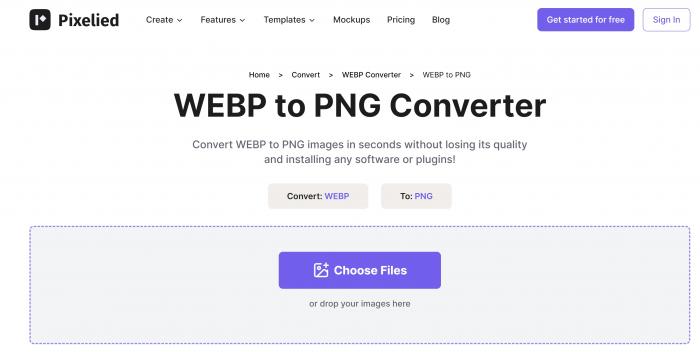
Pixelied WebP to PNG Converter is an excellent choice for individuals looking to convert WebP to PNG online. Offering a simple and user-friendly interface, it creates an ideal platform for those not acquainted with complicated editing tools. The software also allows for multiple image conversions, making it extremely time-efficient. Key features also include high-quality conversions, giving you the best output for your images.
Picflow WEBP to PNG Converter
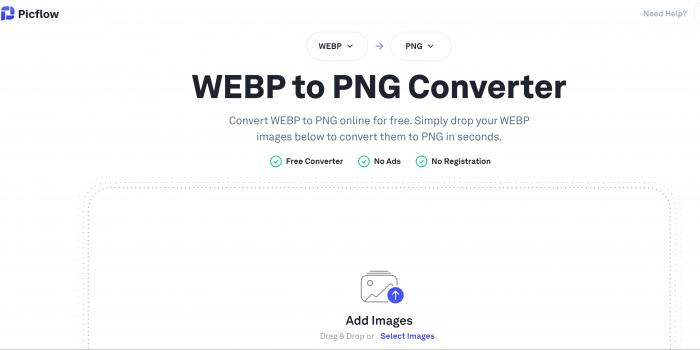
Similar to its namesake at number four, Picflow WEBP to PNG Converter is another platform that allows users to convert WebP to PNG free. It attributes its popularity to being one of the most straightforward tools to use and supports batch conversions. This software, which sports an efficient processing speed, guarantees high-quality image conversions each time.
Online PNG Tools
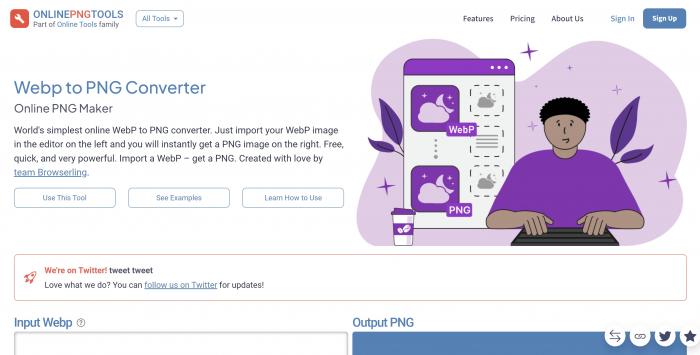
Online PNG Tools is a collection of practical utilities for working with PNG image files, one of which allows converting WebP to PNG. Its no-frills interface makes it easy to use, and it provides the convenience of batch conversions. Now, to convert WebP to PNG online free becomes a one-step process, giving users more time for other tasks.
Magic Studio WEBP to PNG Conversion Tool
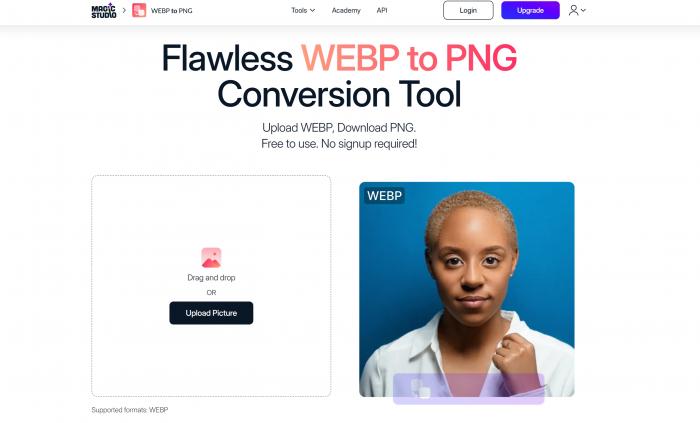
Magic Studio’s WEBP to PNG Converter is an easy and intuitive way to convert WebP to PNG. This conversion tool supports high-quality conversions for optimal output. Moreover, it provides batch conversion, best for those handling multiple files. All these features undoubtedly make it a go-to free WebP to PNG converter for many users worldwide.
Zamzar WEBP to PNG
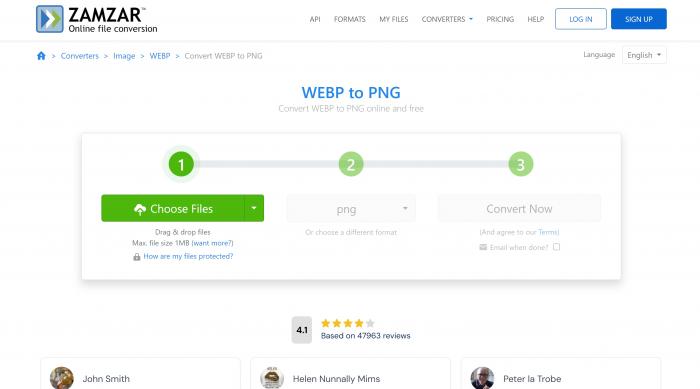
Zamzar is another user-friendly and efficient tool for WebP to PNG converter free operations. With the ability to support batch conversions, one can convert multiple files simultaneously, saving time and effort. In addition, it can convert WebP to PNG with high resolution, ensuring that no quality is lost during the conversion process.
Fotor WebP and PNG Converter
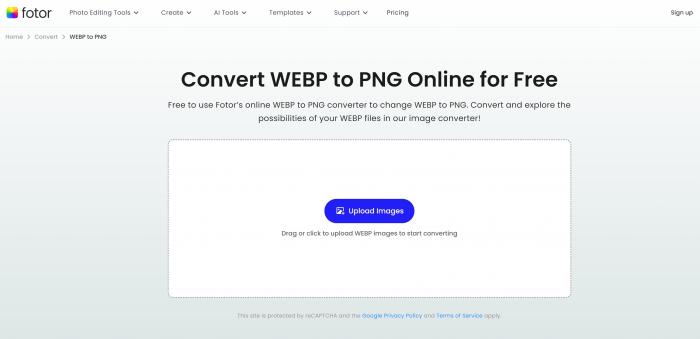
Fotor is a WebP and PNG Converter known for its advanced user interface and reliability. The tool allows you to convert WebP to PNG online and retain the quality of the original file. Its batch conversion feature largely streamlines the process, converting multiple files simultaneously. Fotor’s online converter is free to use, making it a revered choice for those on a budget.
Conclusion
In conclusion, the tools mentioned above offer a convenient and efficient way to convert WebP files to PNG format effortlessly. Whether you are a professional graphic designer or a casual user, these online and desktop tools provide a variety of options to meet your needs. From the user-friendly interface of Photopea to the advanced features of Adobe Photoshop and Topaz Gigapixel AI, there is something for everyone.
Additionally, the versatility and compatibility of these tools make them suitable for various projects, allowing you to work with different image formats seamlessly. With the availability of free online converters like Convertio and IMT Image Converter, converting WebP to PNG has never been easier. Overall, these top 10 tools offer a practical solution for anyone looking to convert their WebP files to PNG effortlessly.